AI Caricature Video Maker: Art
Publisher Description
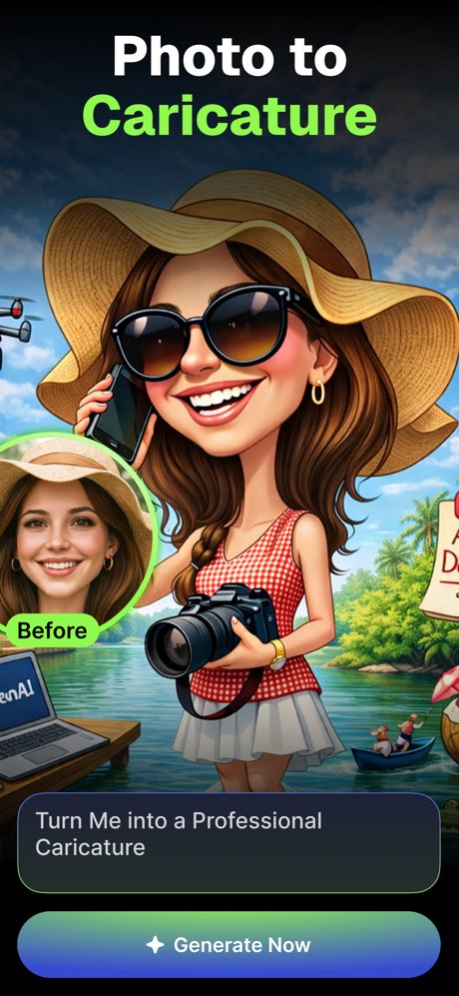

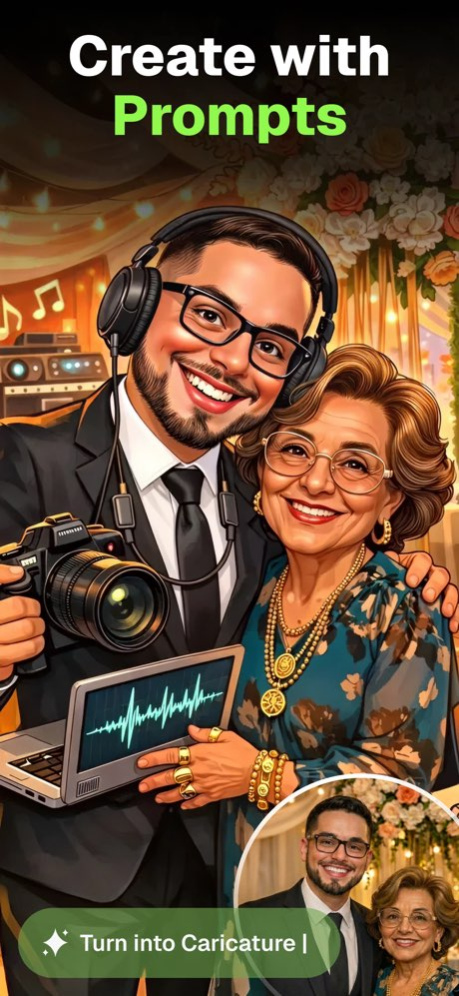
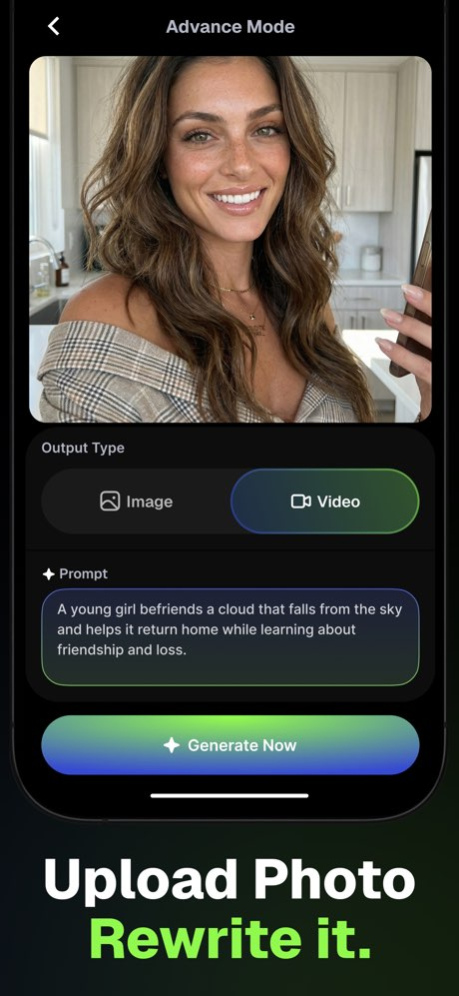
AI Caricature Video Maker: Art is a creative iOS app that transforms your photos into expressive caricature-style visuals using advanced AI technology. Users can simply upload an image to generate a high-quality caricature photo with artistic exaggeration and stylized effects. The app is designed with a clean and intuitive interface, making it easy for users to create fun, personalized content while ensuring compliance with App Store content and privacy guidelines.
Beyond static images, the app also enables users to convert a single uploaded photo into a dynamic caricature-style video. The AI intelligently animates and enhances the image to produce engaging video content suitable for sharing. With fast processing, smooth performance, and high-resolution export options, AI Caricature Video Maker: Art delivers an enjoyable and reliable creative experience on iOS.
Functionality :
- Upload an image and instantly create a stylized caricature version.
- Convert a single photo into a dynamic caricature-style animated video.
- Automatically apply exaggerated and creative visual effects for a fun caricature look.
- Save generated content in clear, share-ready formats.
- Optimized AI rendering for quick and seamless results.
- Secure processing of user-uploaded images in accordance with App Store guidelines.
Users need to purchase premium subscription of the app to generate photos/videos and access all the premium features of the app.
https://appzibraininfotech.blogspot.com/2024/03/privacy-policy.html
https://appzibraininfotech.blogspot.com/2024/03/terms-of-use.html
About AI Caricature Video Maker: Art
The company that develops AI Caricature Video Maker: Art is APPZIBRAIN INFOTECH LLP. The latest version released by its developer is 1.0 .
To install AI Caricature Video Maker: Art on your iOS device, just click the green Continue To App button above to start the installation process. The app is listed on our website since 2026-10-14 and was downloaded 1 times. We have already checked if the download link is safe, however for your own protection we recommend that you scan the downloaded app with your antivirus. Your antivirus may detect the AI Caricature Video Maker: Art as malware if the download link is broken.
How to install AI Caricature Video Maker: Art on your iOS device:
- Click on the Continue To App button on our website. This will redirect you to the App Store.
- Once the AI Caricature Video Maker: Art is shown in the iTunes listing of your iOS device, you can start its download and installation. Tap on the GET button to the right of the app to start downloading it.
- If you are not logged-in the iOS appstore app, you'll be prompted for your your Apple ID and/or password.
- After AI Caricature Video Maker: Art is downloaded, you'll see an INSTALL button to the right. Tap on it to start the actual installation of the iOS app.
- Once installation is finished you can tap on the OPEN button to start it. Its icon will also be added to your device home screen.
